All help topics
Set up TVCP: install the apps and pair your TV
Short answer: Install the Guardian app on your phone and the TVCP app on your TV. Open TVCP on the TV, then scan its QR code or type its 8-digit pairing code in the Guardian app and follow the steps on your phone.
Updated
TVCP has two parts. The TVCP app runs on the TV and enforces the rules. The Guardian app runs on your phone (iPhone or Android) and is where you set them. Pairing links the two.
Steps
- On your phone: install the Guardian app. Get it from the App Store or Google Play, open it and create your account with Continue with Google, Continue with Apple or Continue with email.
- On the TV: install TVCP. Open the Google Play Store on the TV, search for TVCP and install it. You can also send it from your phone: open TVCP on Google Play in a browser and pick your TV from the device list.
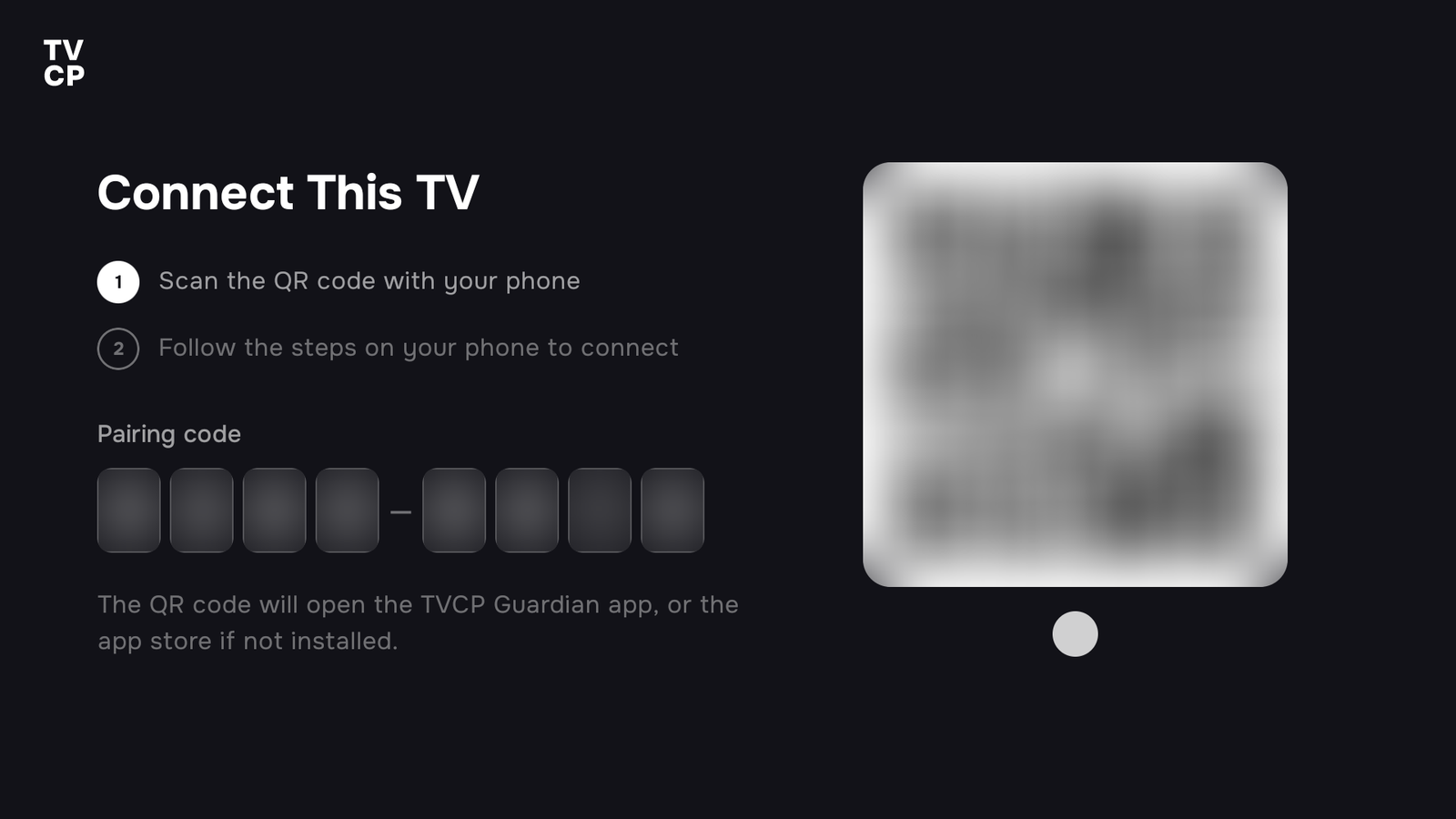
- On the TV: open TVCP and press Get Started. The TV shows Connect This TV, with a QR code and an 8-digit pairing code.
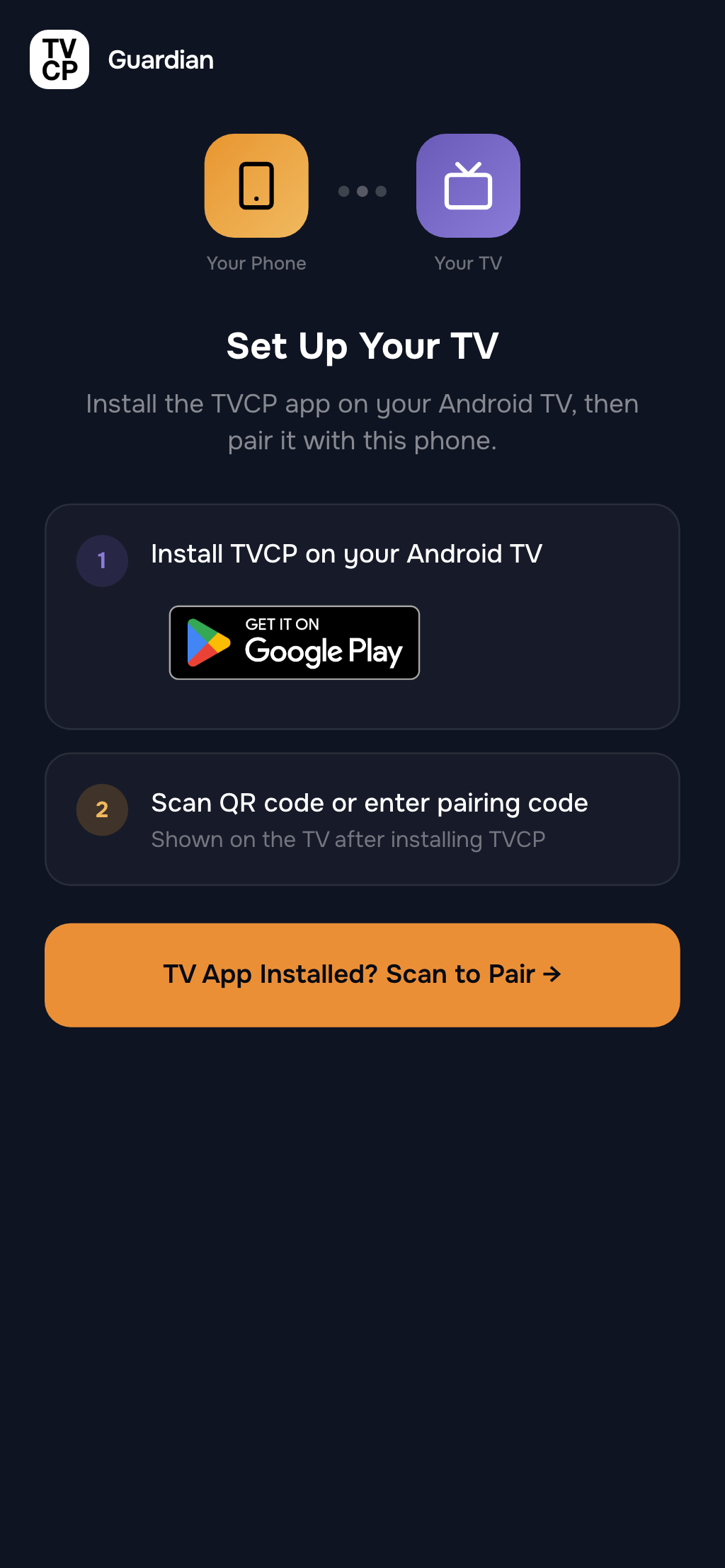
- On your phone: tap TV App Installed? Scan to Pair. You’ll find it on the Set Up Your TV screen of the Guardian app.
- On your phone: type the code or scan it. Type the 8 digits from the TV under Enter Pairing Code, or tap Scan QR Code and point your camera at the TV.
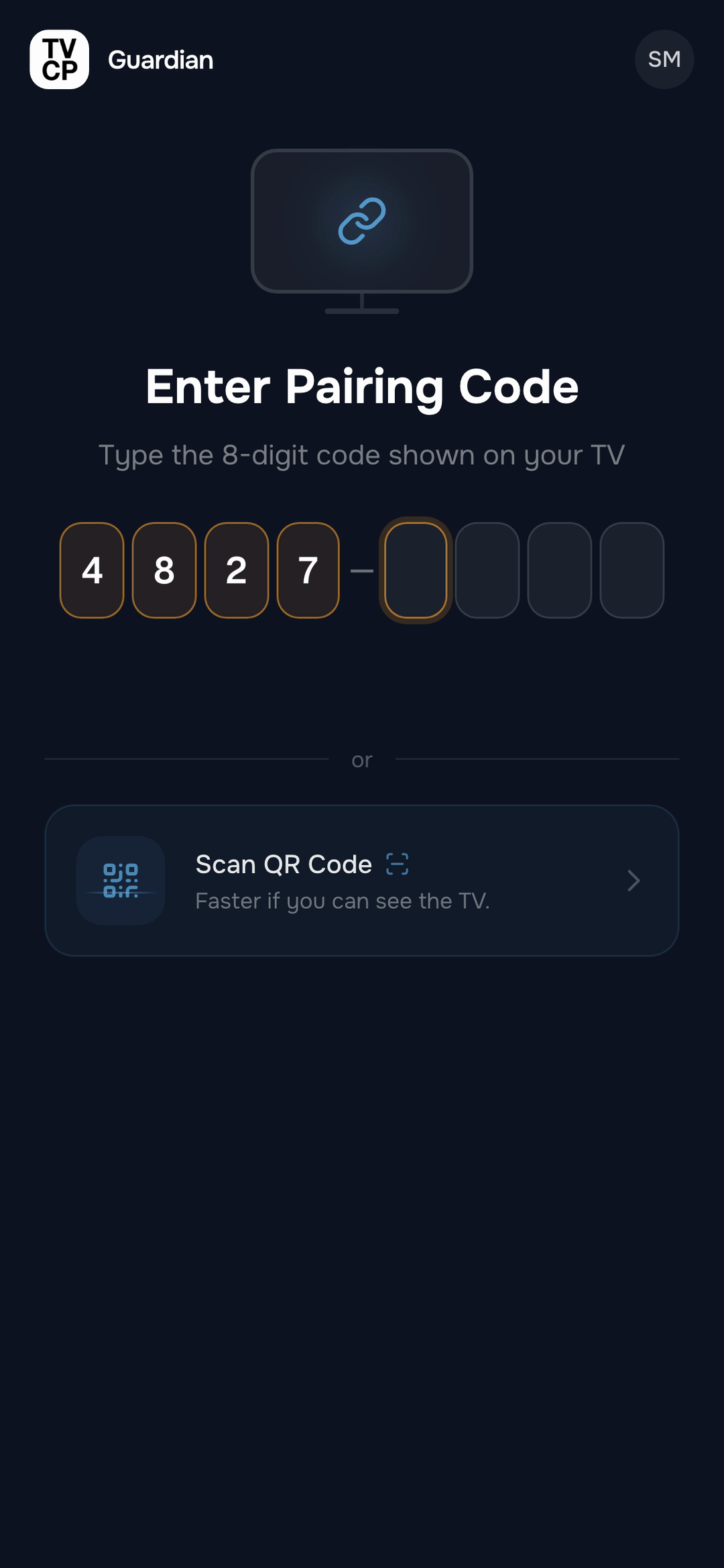
- Wait a few seconds. The phone shows Connecting to your TV… and then Two quick settings on your TV. Do those on the TV: see Turn on protection.
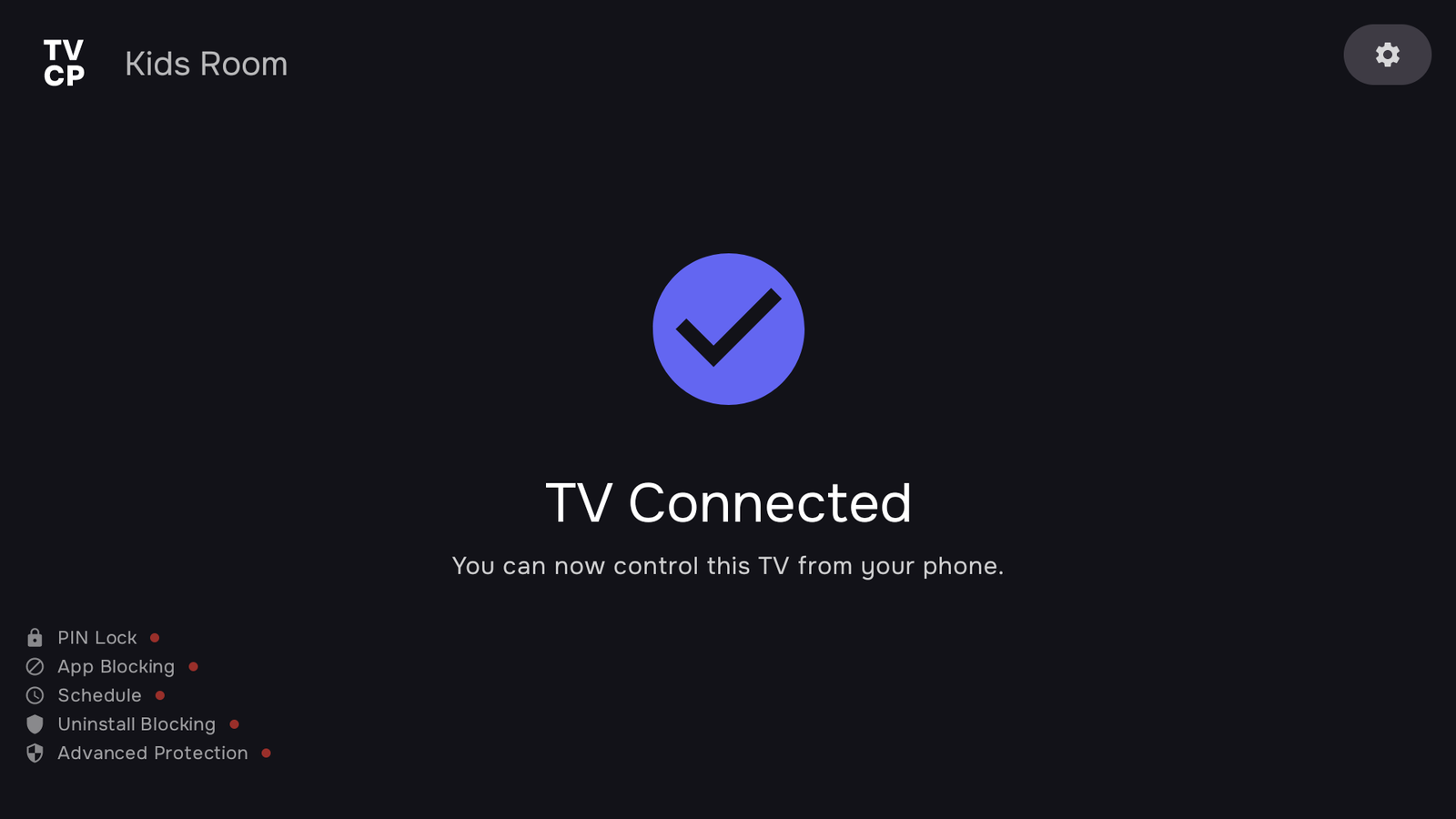
- On your phone: follow the next screens. You set your 4-digit PIN on Set a PIN Code and answer how many TVs you want to protect. When you see TV Connected, you can rename the TV, for example “Kids Room”, then tap Go to dashboard.
Good to know
- If you scan the TV’s QR code with your phone’s normal camera instead, it opens the Guardian app, or the app store if the Guardian app isn’t installed yet.
- The code on the TV belongs to that TV only. If you’re setting up more than one TV, pair them one at a time. See Add another TV.
- To use the controls, start your free trial from the dashboard with Start free trial. See How the free trial works.
If the code doesn’t work or the phone keeps waiting, see Pairing doesn’t work.
Next steps
Turn on protection: two quick settings on your TV
Grant Display over other apps and Usage access on the TV so TVCP can show the lock screen and block apps.
How the free trial works
New subscribers get 7 days free. What you pay, when you get a reminder, and how to cancel before it ends.
Pairing doesn't work
What each pairing message means, on the TV and on your phone, and how to get past it.