All help topics
How TVCP works
Short answer: TVCP is two apps. You set the rules in the Guardian app on your phone, and the TVCP app on your Android TV or Google TV enforces them, so you can lock the TV, set timers and schedules, block apps and cap the volume from your phone.
Updated
Two apps, one system
- Guardian runs on your phone (iPhone or Android). It’s your remote control for the rules, and it works from anywhere, not only when you’re at home.
- TVCP runs on the TV. It enforces your rules: it shows the lock screen, blocks apps and runs timers.
You pair the two once, with a QR code or a pairing code. After that, a change you make on your phone reaches the TV right away, as long as the TV is on and connected to the internet.
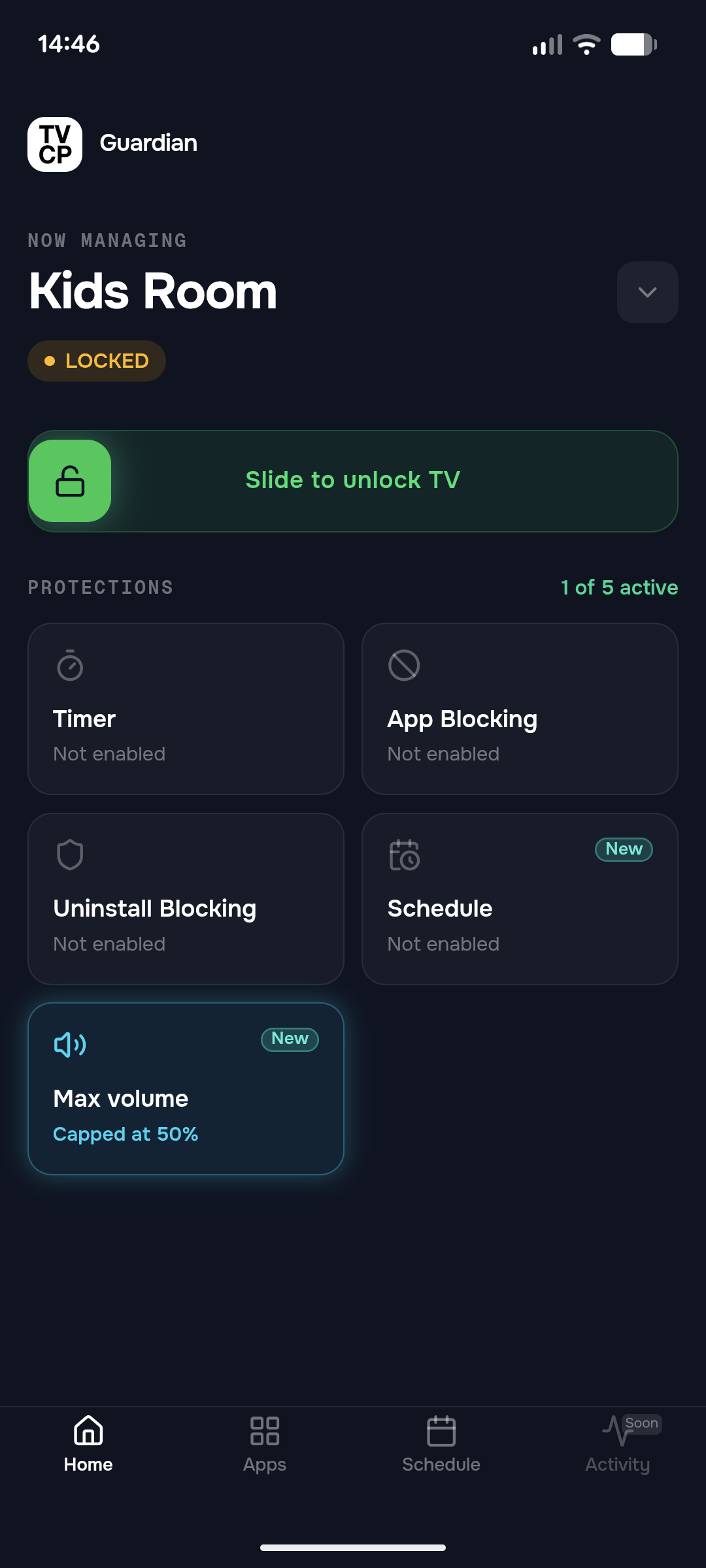
What you can do from your phone
- Lock the TV and unlock it again, from wherever you are.
- Screen Time Timer: give a session a time limit. When it runs out, the TV goes to sleep or shows the lock screen.
- Schedule: set the hours the TV is unlocked on weekdays and at the weekend. The rest of the time it stays locked.
- App Blocking: choose apps your child can’t open, such as YouTube or Netflix.
- Max volume: set how loud the TV can go.
- Uninstall Blocking: stop apps being uninstalled, and keep your child out of the TV’s Settings and the Play Store.
- PIN: a 4-digit code that unlocks the TV at the TV itself, for when you’re in the room.
One subscription covers all of these.
What your child sees
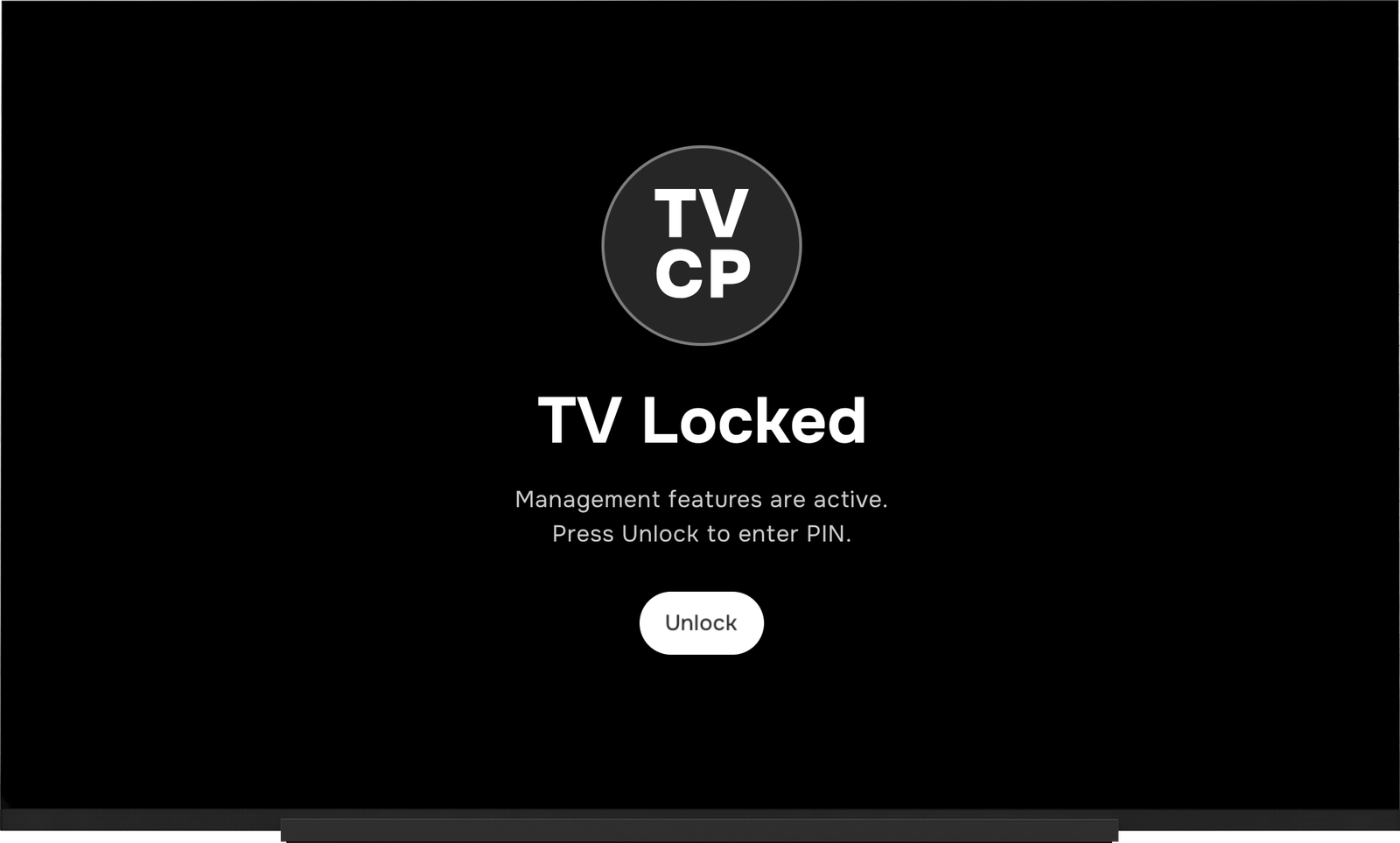
When the TV is locked, it shows TV Locked. The TV can’t be used until you unlock it from your phone, or someone enters your PIN on the TV. An app you’ve blocked won’t open.
Good to know
- TVCP needs a TV with Google TV or Android TV and the Google Play Store. See Which TVs work with TVCP.
- The TVCP app needs two settings on the TV before it can lock the screen and block apps. Setup walks you through them. See Turn on protection.
Next steps
Which TVs work with TVCP
TVCP works on Google TV and Android TV devices with the Google Play Store. Here's how to check yours.
Set up TVCP: install the apps and pair your TV
Install the Guardian app on your phone and TVCP on your TV, then pair them with the QR code or the pairing code.
Turn on protection: two quick settings on your TV
Grant Display over other apps and Usage access on the TV so TVCP can show the lock screen and block apps.